E-commerce businesses must manage online orders, customer payments, product inventory, refunds, shipping expenses, and financial reporting. As an online store grows, these responsibilities become more complicated, especially when sales platforms and accounting software operate independently. Manually transferring transaction information can consume valuable time and increase the risk of accounting errors.
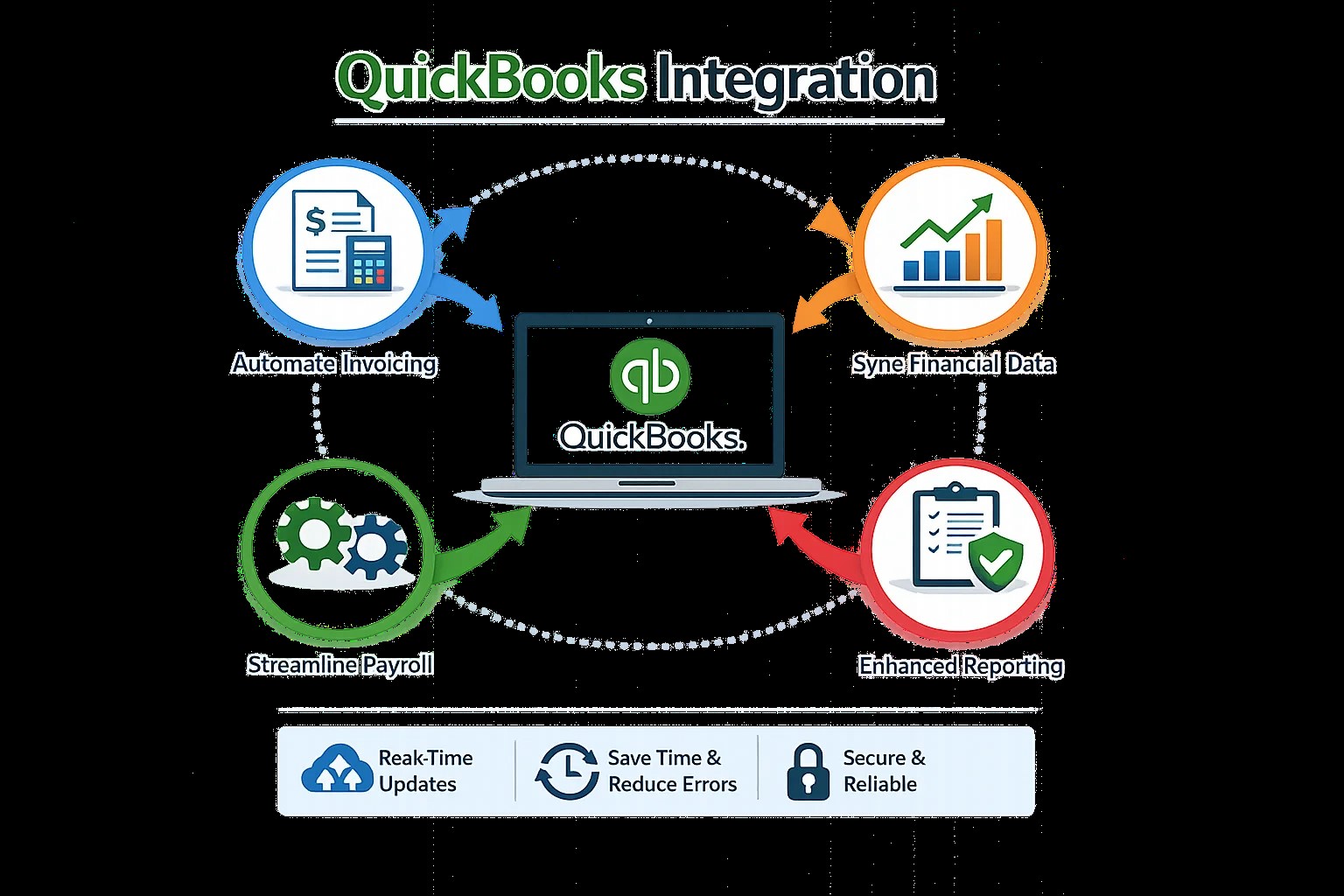
QuickBooks Integration helps e-commerce businesses connect their online stores with accounting software and create a more organized financial workflow. By automating supported data transfers, businesses can reduce repetitive work, improve record consistency, and make financial information easier to review.
Understanding QuickBooks Integration for Online Stores
QuickBooks Integration connects accounting software with e-commerce platforms and other applications used to operate an online business. Depending on the selected connector, information such as orders, customers, sales, refunds, taxes, and payment details may be transferred between systems.
For example, an online retailer might receive orders through Shopify or WooCommerce and process payments through a separate payment provider. An appropriate integration can transfer supported sales information into QuickBooks, reducing the need to enter every transaction manually.
The exact functionality depends on the platforms involved, the QuickBooks version, and the integration configuration. Businesses should verify which records synchronize automatically and which require additional review.
Reduce Manual Order Entry
Processing online orders involves more than recording a final sales amount. Businesses may need to account for individual products, discounts, shipping charges, taxes, payment fees, and refunds.
When employees enter this information manually, accounting workloads can increase rapidly. Repetitive entry also creates opportunities for duplicate records, incorrect amounts, and missing transactions.
QuickBooks Integration can automate supported order and transaction transfers, helping employees maintain organized financial records. Automation becomes especially valuable for retailers processing orders through multiple sales channels.
Businesses should establish clear rules for importing orders and identifying transactions that have already been recorded. This helps prevent duplicate entries when orders and payment settlements are imported through separate systems.
Improve Inventory and Product Tracking
Inventory management is important for businesses that sell physical products. Retailers need to understand which items are available, which products are selling quickly, and when additional stock should be purchased.
Connecting inventory software with accounting applications can help synchronize supported product and transaction information. Depending on the systems involved, this may improve coordination between sales activity, stock records, purchasing, and accounting.
QuickBooks Integration should be configured carefully to ensure product identifiers, quantities, prices, and accounting categories are mapped correctly. Businesses with complex inventory requirements should confirm whether their selected integration supports the necessary inventory workflows.
Accurate inventory records can help reduce confusion, improve purchasing decisions, and support better financial reporting.
Simplify Payment Reconciliation
E-commerce businesses often receive payments through payment gateways and online marketplaces. The amount deposited into a bank account may differ from the original order total because of processing fees, refunds, chargebacks, reserves, or settlement timing.
For this reason, recording sales revenue alone may not be sufficient.
QuickBooks Integration can help transfer payment and settlement information into the accounting workflow. When configured correctly, the process can make it easier to compare sales records, payment provider reports, and bank deposits.
Businesses should decide whether transactions will be recorded individually or summarized by settlement period. The chosen method should provide enough detail to investigate discrepancies without creating unnecessary duplicate records.
Manage Refunds, Discounts, and Sales Taxes
Refunds and discounts affect the financial results of an online store. Sales taxes also require careful handling because tax treatment may vary according to the transaction and applicable jurisdiction.
A reliable integration should account for these details whenever the connected applications support them.
Businesses should test how partial refunds, cancelled orders, promotional discounts, shipping charges, and tax adjustments appear in QuickBooks.
QuickBooks Integration can make transaction processing more efficient, but the integration must follow appropriate accounting rules. Business owners should review tax settings and seek qualified advice when necessary.
Improve Financial Reporting for E-Commerce
Financial reporting helps online retailers evaluate sales performance, operating expenses, and profitability.
However, reports are only useful when the underlying information is complete and correctly classified.
Integrating e-commerce platforms with QuickBooks can reduce the amount of manual consolidation required before financial reports are prepared. Business owners can use organized accounting records to review revenue, fees, refunds, and expenses more efficiently.
For a clearer view of performance, businesses should also consider advertising costs, shipping expenses, inventory costs, and other operating expenses that affect profitability.
How to Implement QuickBooks Integration Successfully
Begin by identifying the e-commerce platforms, payment gateways, inventory systems, and accounting applications currently in use. Determine which information must be synchronized and how frequently updates should occur.
Next, review connector compatibility, data mapping options, security requirements, and ongoing maintenance needs. Clean existing customer and product records before transferring information whenever possible.
Test the integration using representative transactions, including new orders, refunds, discounts, and payment settlements. Confirm that the resulting accounting entries are accurate before enabling routine synchronization.
After implementation, review synchronization logs, investigate failed transfers, and reconcile accounting records regularly.
Professional QuickBooks Integration Services
Businesses with multiple sales channels or complex transaction requirements may benefit from professional integration assistance. Technical specialists can help evaluate application compatibility, configure data mappings, test workflows, and resolve synchronization problems.
E-Solution offers QuickBooks Integration services intended to help businesses connect accounting software with compatible e-commerce and business applications. Businesses can discuss their requirements and determine an appropriate approach through the official service page.
Conclusion
E-commerce businesses need reliable financial records to manage orders, track payments, control expenses, and support growth. Manual accounting processes can become increasingly difficult as sales volumes and operational complexity increase.
QuickBooks Integration helps connect online stores with accounting systems, automate supported data transfers, improve transaction visibility, and simplify reconciliation. By selecting compatible applications, testing workflows, and reviewing financial records regularly, online retailers can develop a more efficient accounting process.
Businesses should assess their current systems and choose an integration solution that supports their specific sales channels, inventory requirements, and reporting needs.